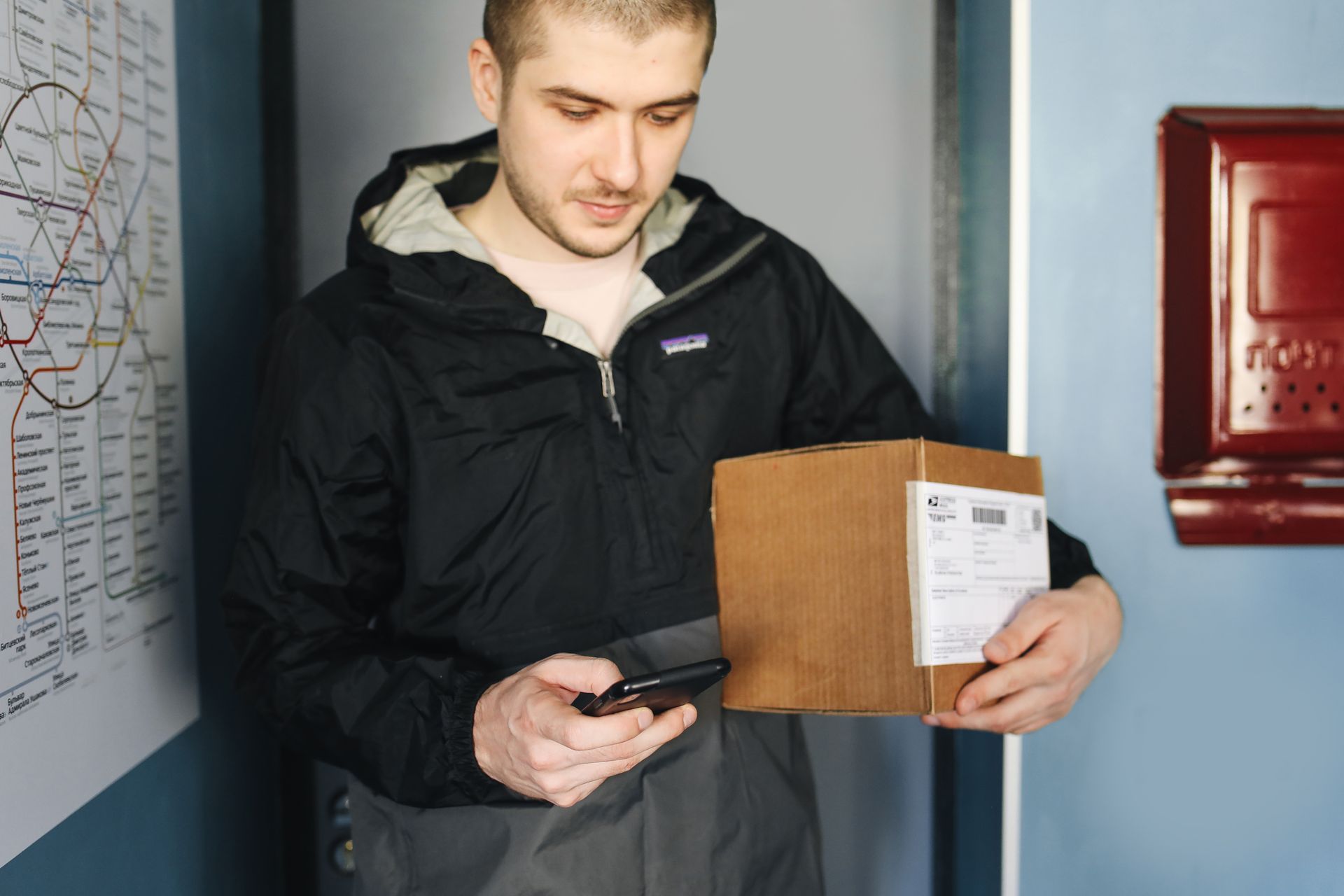
You get a text message: “Your package could not be delivered. Click here to reschedule.” It looks official, it creates a little panic, and the link is one tap away. This is one of the most common scams around, and it gets busier every year during the holiday shopping season. Here is how to recognize it and what to do if you already clicked.
How the scam works
Scammers send thousands of fake delivery messages by text or email, pretending to be a carrier like USPS, UPS, FedEx or DHL. The message usually says there is a problem with your package: an incomplete address, a missing fee or a failed delivery attempt. The link leads to a fake website that asks for your personal details or a small payment, often just a couple of dollars. The real goal is to steal your card number, your passwords or your identity.
Five warning signs
- You were not expecting a package. Many people receive these messages while waiting for nothing at all, but the timing during the holidays makes them believable.
- The link looks strange. Real carriers use their own official websites. Be suspicious of shortened links, odd spellings and extra words in the web address.
- There is pressure to act fast. Phrases like “final notice” or “your package will be returned today” are designed to make you click before you think.
- The sender is a random number or email address. Carriers do not text you from a personal-looking phone number.
- It asks for money or personal information. A real carrier does not need your card number or Social Security number to deliver a package.
How to check safely
If you think the message might be real, do not use the link in it. Instead, open the carrier’s official website or app yourself and type in the tracking number from your order confirmation. If there is a real problem, it will show up there. You can also check the order directly in the store’s website or app.
What to do if you already clicked
First, stay calm. Clicking a link alone does not always cause harm, but act quickly.
If you only opened the page and did not type anything, close it and clear your browser history. Run a security scan on your phone or computer if you have security software installed.
If you entered your card number, call your bank or card company right away, using the number on the back of your card, and ask them to block the card and issue a new one. Watch your statements for charges you do not recognize.
If you entered a password, change it immediately on every site where you use it, and turn on two-factor authentication wherever it is available.
If you shared personal details like your Social Security number, consider placing a free fraud alert or credit freeze with the credit bureaus and visit IdentityTheft.gov for a step-by-step recovery plan.
How to report it
Forward the scam text to 7726 (SPAM), which helps your phone company block similar messages. You can also report the scam to the Federal Trade Commission at ReportFraud.ftc.gov. If the message pretended to be from USPS, you can forward the email to spam@uspis.gov. Then delete the message and block the sender.
Simple habits that protect you
Never click links in unexpected messages. Track your packages only through the official carrier app or website. Keep your phone and apps updated. Use unique passwords, and talk to older family members about this scam, since they are often the target.
A few seconds of doubt can save you hours of trouble. When a message pushes you to act right now, slow down and verify it yourself.
Leave a Reply