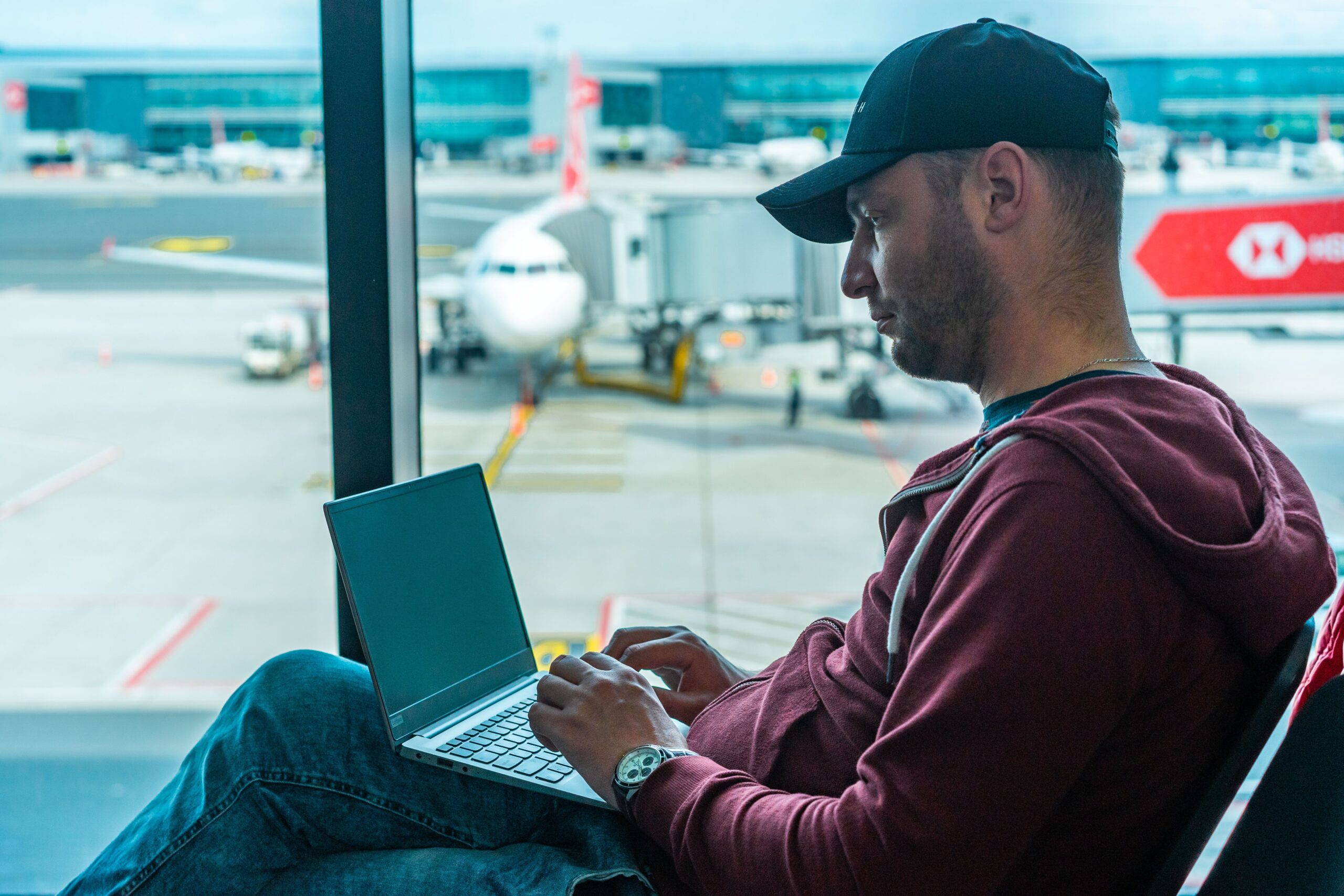
Airports, hotels, coffee shops, and train stations almost always offer free Wi-Fi. It is convenient, especially when you are far from home during the holidays. But public Wi-Fi is shared with strangers, and some of them may be trying to see what you do online. You don’t need to stop using it. You just need a few smart habits to keep your phone, your accounts, and your money safe.
Why public Wi-Fi can be risky
Most public networks are open to anyone nearby. That creates a few problems:
- Fake networks: A criminal can create a hotspot with a name like “Airport Free WiFi” or “Hotel Guest” that looks real. If you connect to it, they may be able to watch your traffic or send you to fake login pages.
- Shared networks: On an open network, other users are on the same connection as you. Older or unprotected devices are easier targets.
- Shoulder surfing: In crowded places, someone can simply look over your shoulder while you type a password or PIN.
Check the network name before you connect
Before you join a network, ask a staff member for the exact name of the official Wi-Fi. Look for small differences, like extra letters, numbers, or words. If you see two networks with almost the same name, be extra careful. When in doubt, don’t connect.
Avoid sensitive tasks on public Wi-Fi
Public Wi-Fi is fine for checking the weather, reading the news, or looking at a map. It is not the best place for:
- Online banking
- Shopping with your credit card
- Changing passwords
- Logging in to important accounts, like email
If you need to do any of these things, wait until you are on a trusted network or use your phone’s mobile data instead.
Use your phone as a hotspot
Your mobile data connection is usually safer than an open public network. If you need to use a laptop or tablet, you can turn on your phone’s personal hotspot and connect to it. Protect your hotspot with a strong password so strangers can’t join.
Look for the lock and “https”
Before you enter a password or personal information on a website, look at the address bar. The address should start with “https” and many browsers show a small lock icon. This means the connection to that website is encrypted. It doesn’t make a website trustworthy, but it does make it much harder for others to read what you send.
Consider using a VPN
A VPN (virtual private network) creates a protected tunnel for your internet traffic. It can make public Wi-Fi much safer to use. If you travel often, a reputable paid VPN is worth considering. Be careful with unknown “free VPN” apps, since some of them collect and sell your data.
Turn off automatic connections
Many phones and laptops connect automatically to networks they have used before. A criminal can create a fake network with the same name as one you trust. To stay safe:
- Turn off “auto-join” or “connect automatically” for public networks.
- After your trip, go to your Wi-Fi settings and “forget” the hotel and airport networks you used.
- Turn off Wi-Fi and Bluetooth when you are not using them.
Be careful with public charging stations
Public USB charging ports in airports and hotels are convenient, but security experts recommend caution. A tampered port or cable could be used to install harmful software or access your data. The safer choice is to bring your own charger and plug it into a regular wall outlet, or carry a portable battery pack.
Prepare your phone before you leave
A few minutes of preparation at home can save you a lot of trouble on the road:
- Update your phone and apps. Updates often fix security problems.
- Turn on two-step verification for your email, bank, and social media accounts.
- Set a screen lock with a PIN, fingerprint, or face recognition.
- Turn on “Find My” or a similar feature so you can locate or erase your phone if it is lost or stolen.
- Back up your photos and contacts.
What to do if you think something went wrong
If you suspect you connected to a fake network or typed a password on a suspicious page:
- Disconnect from the network right away.
- Change the password of the affected account using a trusted connection, such as your mobile data.
- Check your bank and credit card activity for charges you don’t recognize, and call your bank if you see anything strange.
- Make sure two-step verification is turned on for your important accounts.
The bottom line
Public Wi-Fi is a useful tool when you travel, but it is not a private one. Confirm the network name, save banking and shopping for a trusted connection, use your phone’s hotspot or a VPN when you can, and keep your devices updated. These simple habits let you stay connected this holiday season without giving strangers a window into your personal life.
Leave a Reply